
MIDI & MusicXML Player – Online MIDI player and MusicXML viewer
Open MIDI and MusicXML files, follow the sheet music as it plays and adapt every piece to your instrument: tempo, key, note names, fingerings and much more.
- No sign-up to start
- Over 4000 scores included
- Try Premium free for 7 days
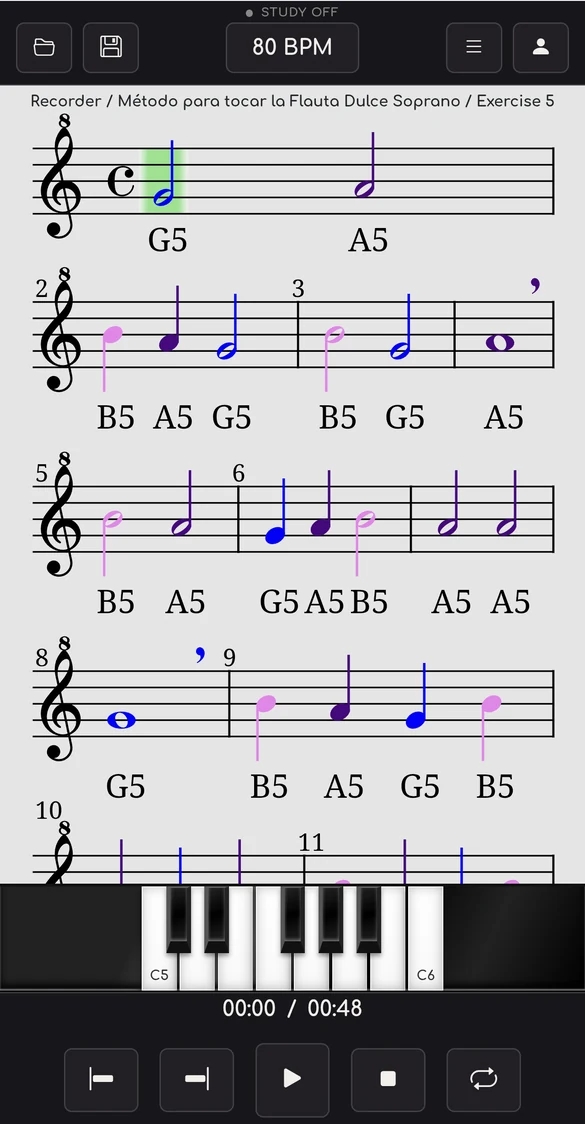
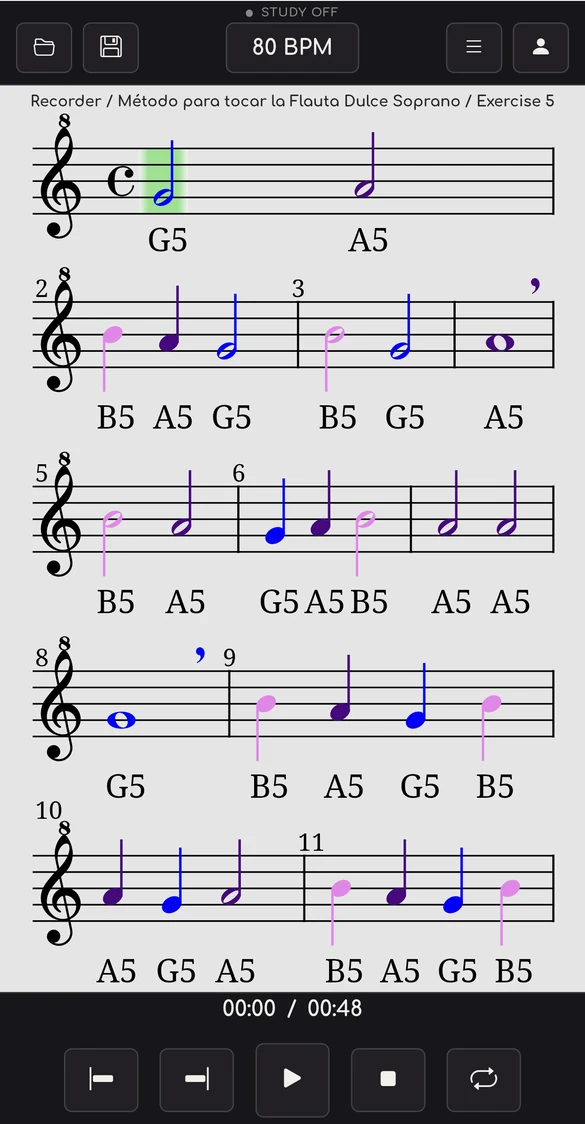
The sheet music follows the sound
Press play: each note lights up the moment it sounds. In the full player, you can also:
- Slow the tempo without changing the pitch
- Turn on the metronome or loop a passage
- Show note names and their colors
- Transpose to your instrument
Put this player on your website
Interactive sheet music with sound for your website, blog or school. Embedded with one line of code. Free during the trial.
Study Mode: practice like you would with a teacher
Start at a comfortable tempo and build up step by step. The player remembers every exercise and adjusts the tempo based on how it went.
- Start slowSet a starting tempo and the tempo you want to reach.
- Rate your attemptWhen you finish, score yourself from 1 to 5.
- The tempo adjusts itselfIt goes up when it went well and down when it didn’t, until you master the exercise.
Your progress is saved to your account.
Try free for 7 daysAs simple as that
Open a score
Upload your MIDI, MID or MusicXML file, or choose one of the 4000+ pieces in the catalog.
Listen and follow along
The sheet music is drawn and scrolls in sync with the sound.
Make it yours
Tempo, key, clef, note names, fingerings and Study Mode.
A player built for practising
Read and listen to your sheet music
Open MIDI (.mid, .midi) and MusicXML (.musicxml, .mxl, .xml) files from your computer or phone, or choose from over 4000 pieces and exercises: piano, recorder and trumpet methods, solfège and much more.
- Sheet music synced with the audio
- Private file or shared with the community
Note names and colors
Show the name of each note in Do-Re-Mi or C-D-E and give each one its own color. Ideal for learning to read, or for teaching others.
- Do-Re-Mi or C-D-E
- Color per note and Music Theory Mode
Virtual piano on screen
A keyboard under the sheet music lights up each key as it sounds. You see the written note and where to play it.
- Keys light up in real time
- Perfect for piano and keyboard
Recorder fingerings
Every note with its hole positions, shown under the sheet music, so you don't have to memorise the chart.
- Position of every note
- Made for music lessons
Valves and positions
Shows the valves of the trumpet and other brass instruments, or the slide positions of the trombone.
- Trumpet, euphonium and more
- Trombone positions
Transpose and change the clef
Change the key by semitones or octaves, transpose for B♭ or E♭ instruments and switch the clef. The sheet music is rewritten instantly.
- Semitones and octaves
- Transposing instruments and clef change
And there's more
Study Mode
Save your progress and mark what you have already mastered.
Tempo and metronome
From very slow to full speed, without changing the pitch.
Loop and intervals
Repeat only the passage that gives you trouble.
100+ SoundFonts
Hear the piece with any instrument you like.
Your files
Private scores, or shared with the community.
Export
Sheet music as PDF, PNG or JPG, and audio as WAV or MP3.
Who is it for?
Musicians
Rehearse with the sheet music in front of you, at the tempo you need and in your key.
Students
Read, listen and understand every piece with note names, colors and fingerings.
Teachers
Clear sheet music and tools to explain in class or set homework.
What users say
«I loved it! Very comprehensive. I can upload my sheet music and practice it while it plays back. 10/10»
«Magnificent»
«Excellent app.»
From 27 to 30 November, 30% off the first year of annual Premium (with the book “MuseScore de principio a fin”, PDF in Spanish, as a gift) and on all books. Leave your email and you will get a reminder on the 27th.
Start free. Go Premium when you need it
Guest
To try it out, no sign-up
- Open your MIDI and MusicXML files
- Clave de Mi and community catalog
- 5 scores a day (10 with ads)
- On the web and on mobile
Free
The basic study tools
- Everything in Guest, plus:
- Note names and colors
- Virtual piano
- Tempo, metronome and loop
- Fingerings and valves
- Save public scores
Premium
Everything, no limits, no ads
- Everything in Free, plus:
- Study Mode
- Unlimited scores
- No ads
- Transpose and change the clef
- Private scores and export
- 100+ SoundFonts
Cancel anytime
Try free for 7 daysTry free for 7 daysSee the full comparison
| Guest | Free | Premium | |
|---|---|---|---|
| Web and mobile | |||
| 6 languages (ES, EN, FR, PT, DE, KO) | |||
| MIDI files (.mid, .midi) | |||
| MusicXML files (.musicxml, .mxl, .xml) | |||
| Clave de Mi catalog | |||
| Community sheet music | |||
| Sheet music of the day | |||
| Daily score limit | 5 (10 with ads) | 5 (10 with ads) | Unlimited |
| Sounds | Automatic | Automatic | 100+ |
| Save scores | Public | Public or private | |
| Virtual piano | |||
| Tempo change | |||
| Metronome | |||
| Note names | |||
| Brass valves | |||
| Recorder fingerings | |||
| Music Theory Mode | |||
| Color-coded notes | |||
| Loop playback | |||
| Transposing instrument | |||
| Interval playback | |||
| Introduction bar | |||
| Clef change | |||
| Transpose the sheet music | |||
| Study Mode | |||
| Export (PDF, PNG, JPG, WAV, MP3) | |||
| Ads | Yes | Yes | No |
In the browser or on Android, with the same account
Works in the browser on your computer (Windows, Mac, Linux), tablet and phone, and as an Android app. On iPhone and iPad, use the browser.

 Scan to install on Android
Frequently asked questions
Can I use the player for free?
Yes, in the web version and in the Android app, with no sign-up. A free account unlocks more features, and Premium gives access to all of them.
Which formats does it support?
MIDI files (.mid, .midi) and MusicXML files (.musicxml, .mxl, .xml).
What is the difference between a MIDI player and a MusicXML viewer?
A MIDI player plays the file; a MusicXML viewer shows the written sheet music in full detail. MIDI & MusicXML Player does both at once: you open the file, listen to it and follow the sheet music.
Can I see the sheet music while the MIDI plays?
Yes. The sheet music moves in sync with the sound and marks each note the moment it sounds.
Which devices does it work on?
In the browser on any computer, tablet or phone, and as an Android app on Google Play. On iPhone and iPad, use the browser.
Do I need to sign up?
No. You can use it as a guest. With a free account you unlock more features and can save your scores.
What does Premium include?
Unlimited scores, no ads, Study Mode, clef change and transposition, private scores, export and over 100 SoundFonts. See the comparison.
How do I cancel my subscription?
Anytime, from your account. If you subscribed through Google Play, from your Google Play subscriptions.
Does it work offline?
No: it needs an internet connection.
What about my files and copyright?
Only you can see your private files. If you share a score with the community, upload only your own works or works you have permission to share; on a valid notice, the content is removed.
Where can I get help?
Inside the player, under Profile → Request assistance, or by writing to info@clavedemi.com.
Open your first score in 10 seconds
Free and no sign-up. Premium only if you need it.
Open the free player