
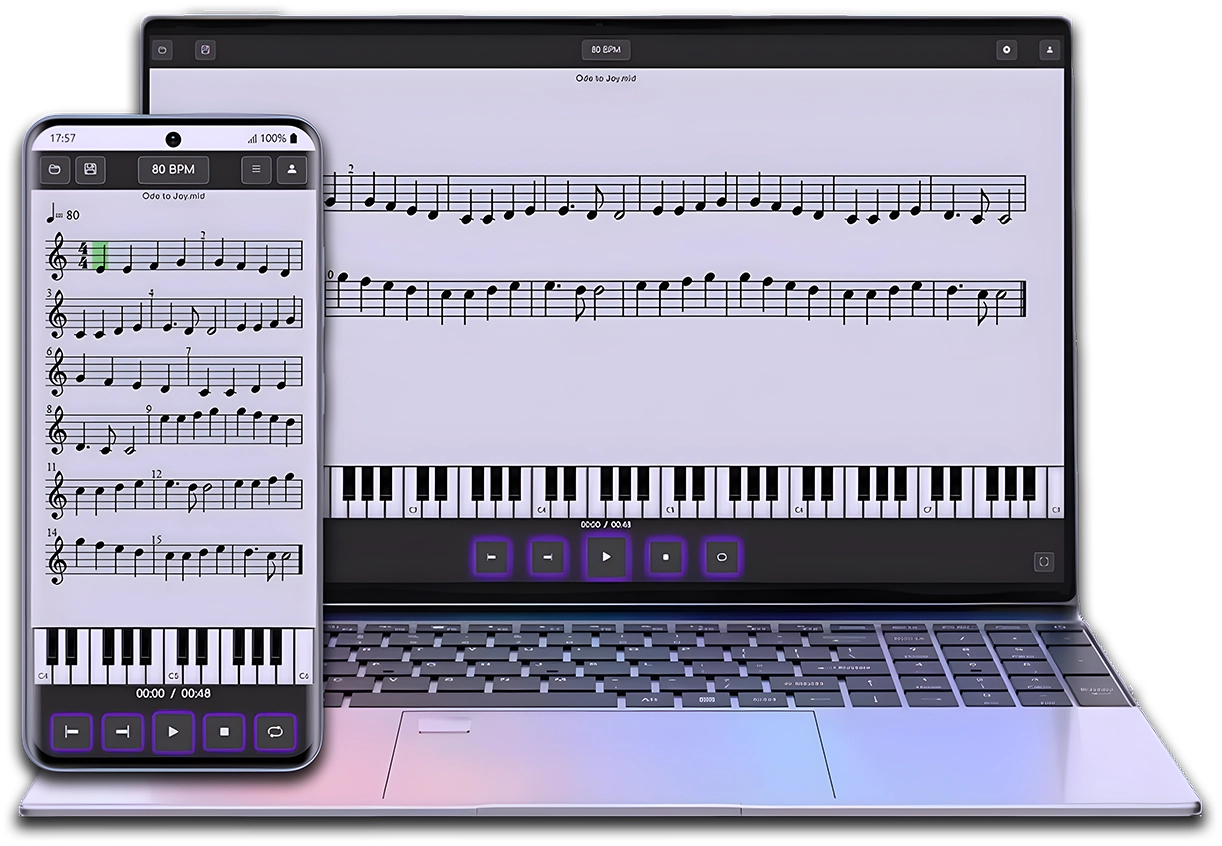
MIDI & MusicXML Player
Now that you already know MuseScore, practice your scores easily with the Clave de Mi Player.
After creating your score in MuseScore, open it in MIDI & MusicXML Player to listen to it, study, and practice at your own pace from your browser or your phone.
Do you want to start using MuseScore but don’t know how to install it? In this article we explain step by step how to download and install the latest version of MuseScore 4, as well as how to access older versions, including the popular MuseScore 3.6.
📌 Where to download MuseScore?
MuseScore is free and open-source software. To download it, it’s essential to go to its official website:
🔹 musescore.org (Careful: don’t confuse it with musescore.com, which is a platform for sharing scores.)
The site will automatically detect your operating system and offer you the latest version compatible with your device.
🖥️ Downloading and installing MuseScore 4
Currently, the latest version of MuseScore is 4.1.1, which includes improvements and fixes over version 4.1.
✅ Steps to install MuseScore 4
- Go to musescore.org and click the “Free download” button.
- You can choose between two options:
- Download Muse Hub along with MuseScore. (Muse Hub is a download and content manager for MuseScore; we’ll look at it in a future article.)
- Download MuseScore only, without Muse Hub. (Recommended if you only need the software.)
- Once the installer is downloaded, double-click the file to run it.
- Follow the typical installation steps on Windows:
- Accept the license agreement.
- Choose the installation directory (you can leave the default location).
- Click “Install” and wait for the process to finish.
- Once installed, you can check the “Open MuseScore” option or simply finish the installation.
✅ All set! You now have MuseScore 4 installed and ready to use.
⏬ How to download older versions of MuseScore
If you need an earlier version, you can access them from the same downloads page on musescore.org.
- Go to the “Previous and unsupported versions” section.
- Here you’ll find links to older versions, including MuseScore 3.6 and earlier versions such as MuseScore 2 or MuseScore 1.
🎯 Conclusion
Although installing MuseScore is straightforward, knowing the different download options and available versions will help you choose the best one for your needs.
- MuseScore is downloaded from musescore.org.
- The most recent version is 4.1.1.
- You can download older versions, such as MuseScore 3.6.
- There are standard installation options and a portable version.
Now that you have MuseScore installed, get ready to make the most of it in your compositions! 🎼
🚀 In the next article we’ll talk about Muse Hub and its features.
MIDI & MusicXML Player
You have finished this lesson.
Now put it into practice with the Mi Clef Player.
Open an example score in the MIDI & MusicXML Player and discover a more visual and guided way to listen to, understand, and practice your sheet music.

Enjoy this course for free
and support the channel by making a donation or buying me a coffee!